Employer/Staff User Guide for HireFresnoState

Log on to HireFresnoState through the Career Development Center Website
http://www.fresnostate.edu/studentaffairs/careers/
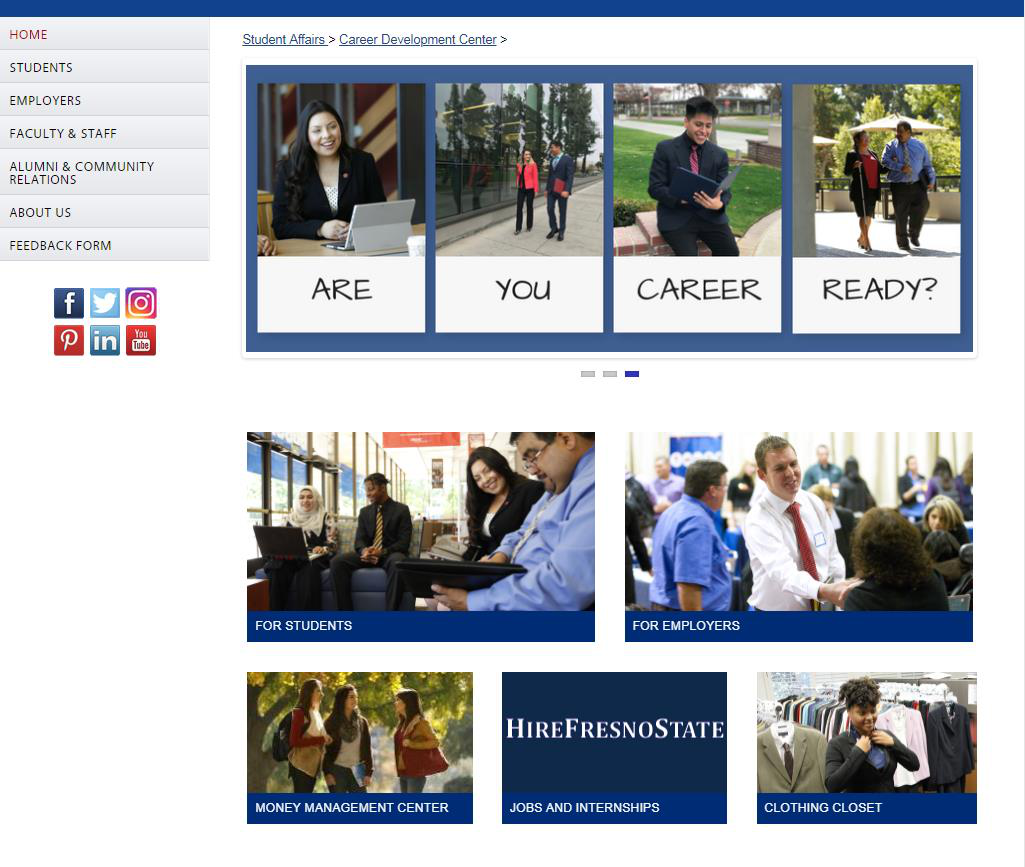
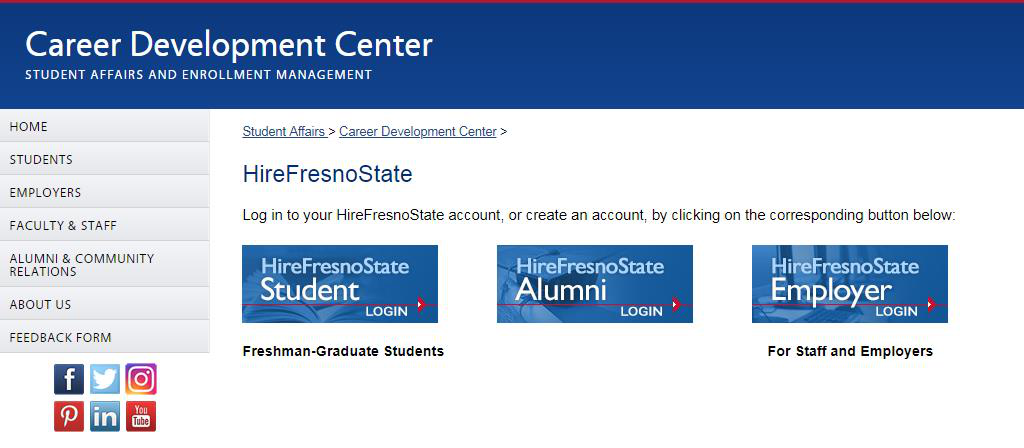
Select the “Employer” button to create/return to HireFresnoState
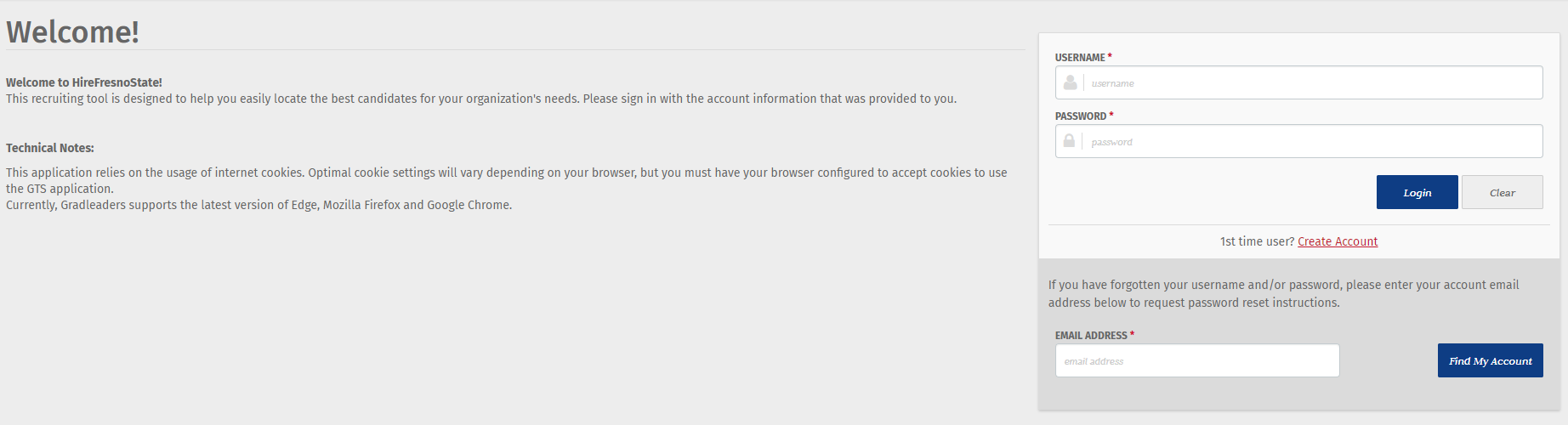
This is where to log In or create a new account
For First Time Users
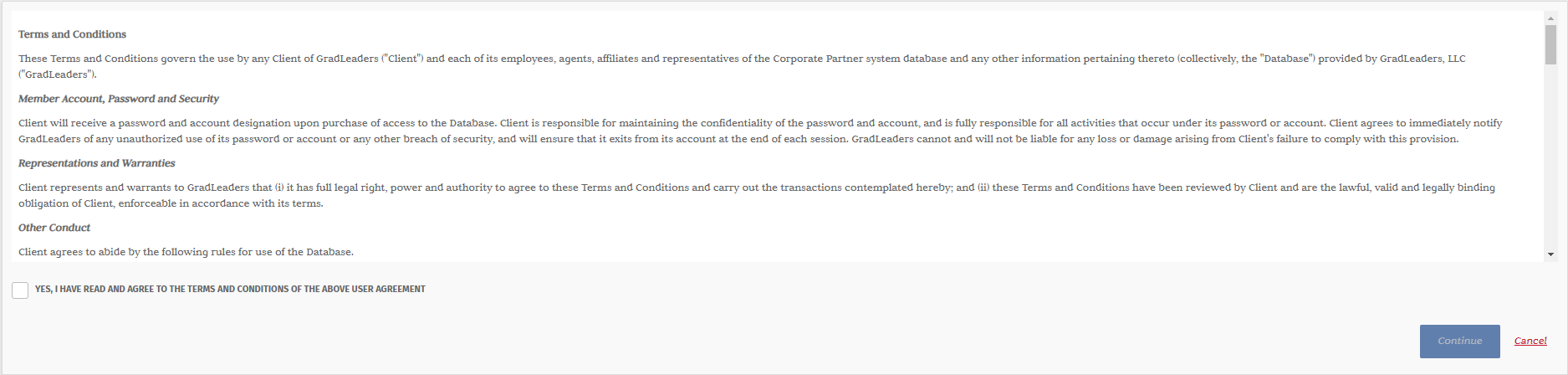
In order to proceed setting up the account, you must read through, select “Yes”, and then hit “Continue”
Verify your Email address and fill out the requested information
You need to use your full email address every time you log in
And remember your password because it will never change!
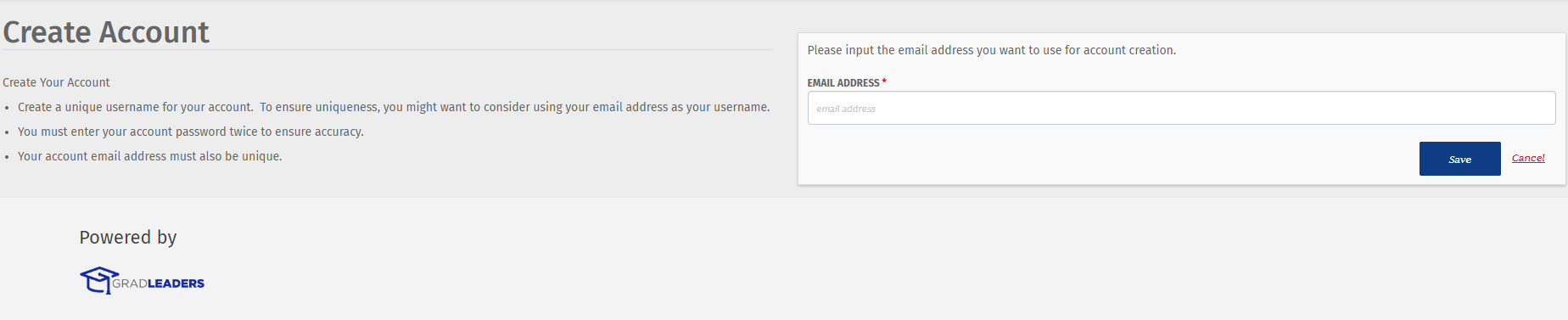
Where to post your job
Select “Job Postings”
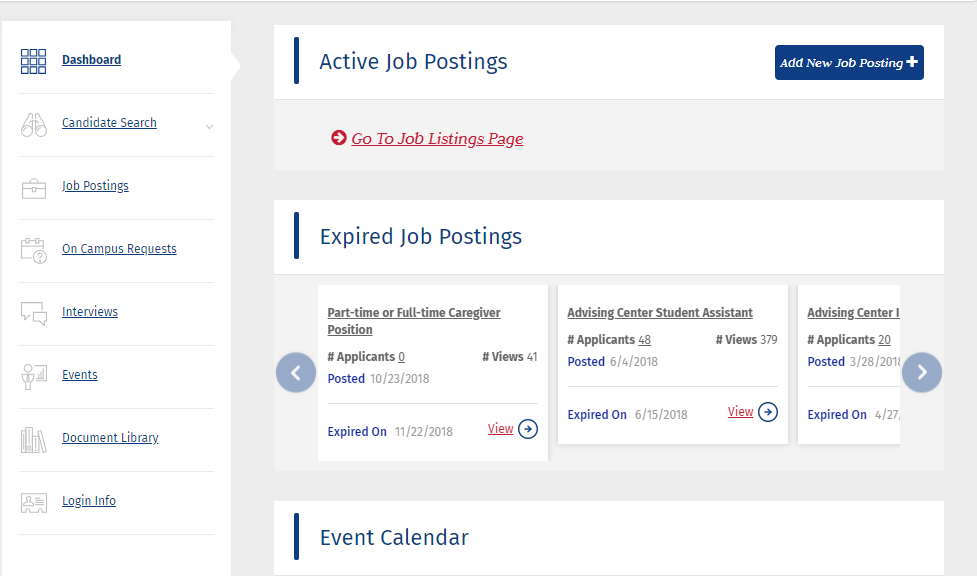
Select “Add New”
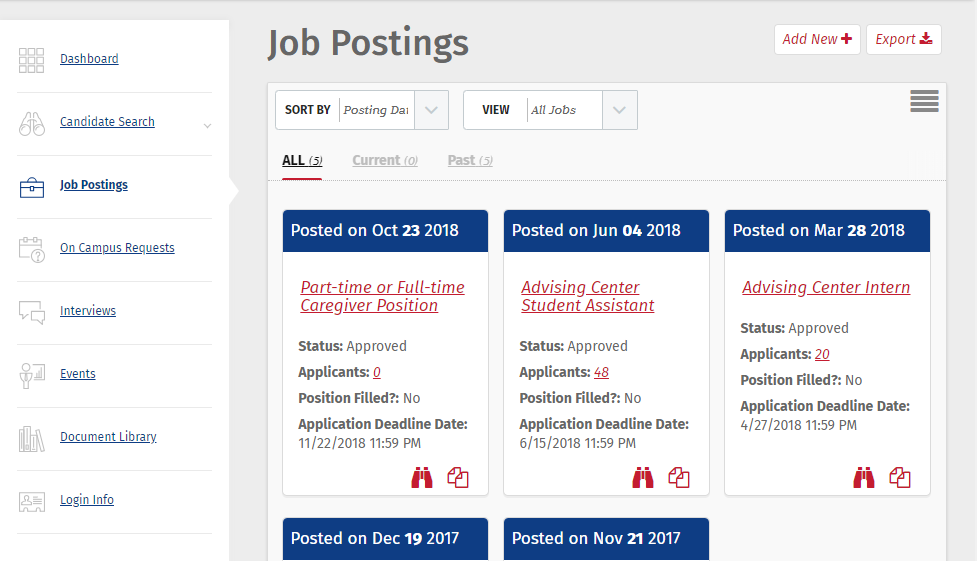
All asterisk fields are required to be filled out
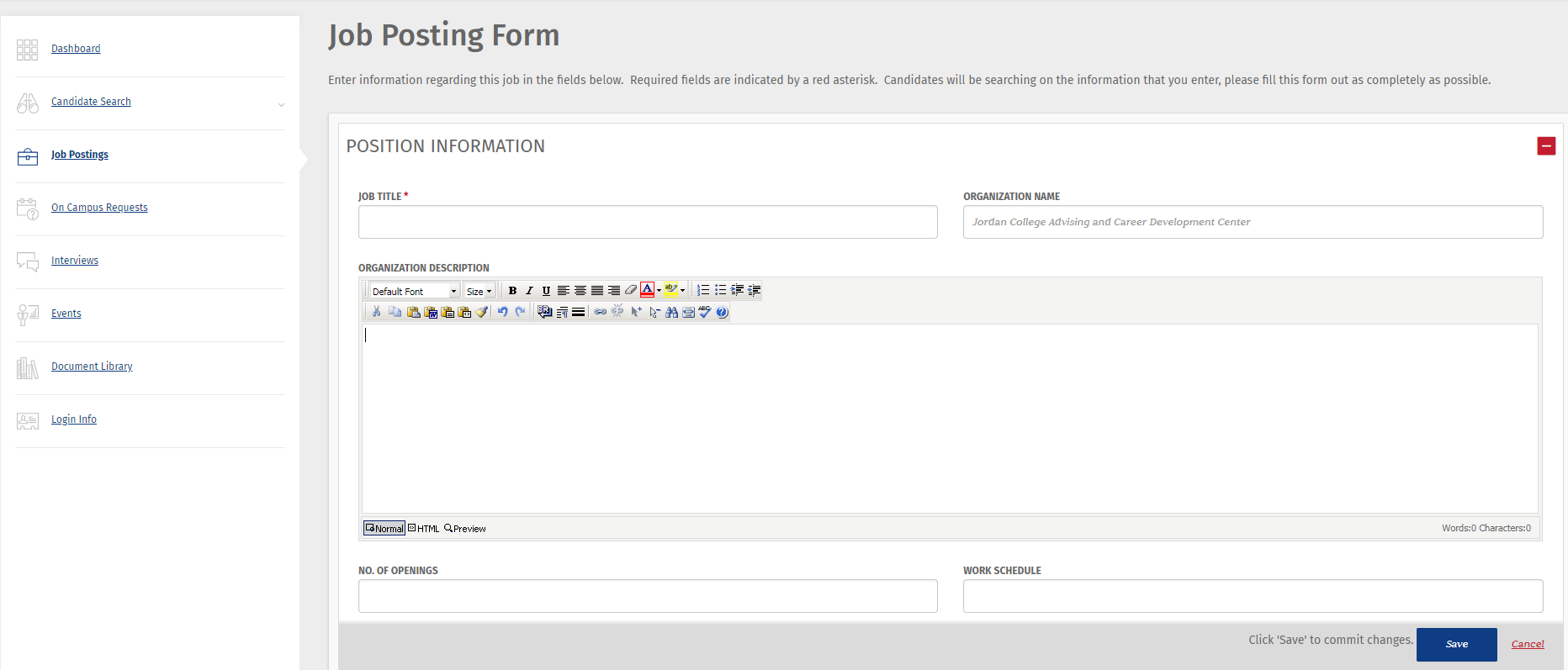
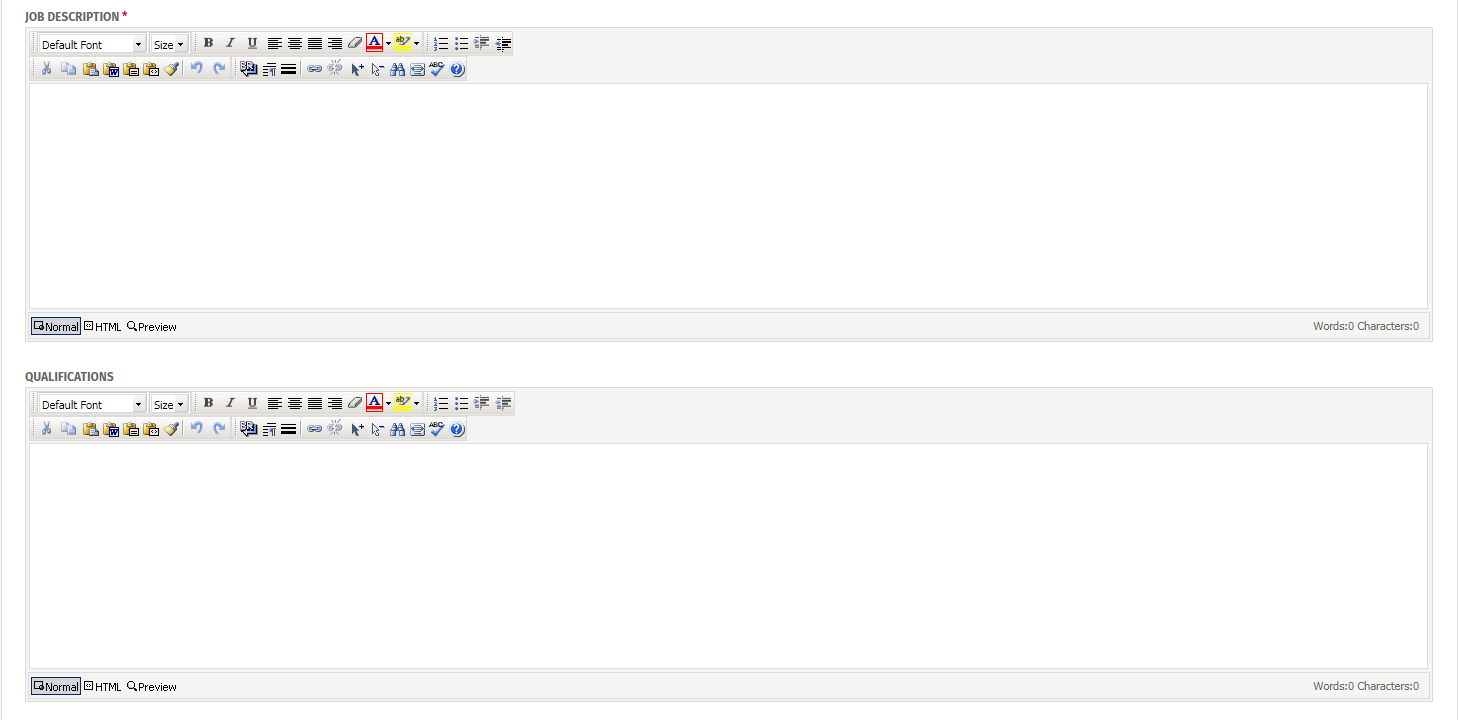
“Job Description” is a short description of what the applicant will do
“Qualifications” are skills you want the applicant to have prior to applying
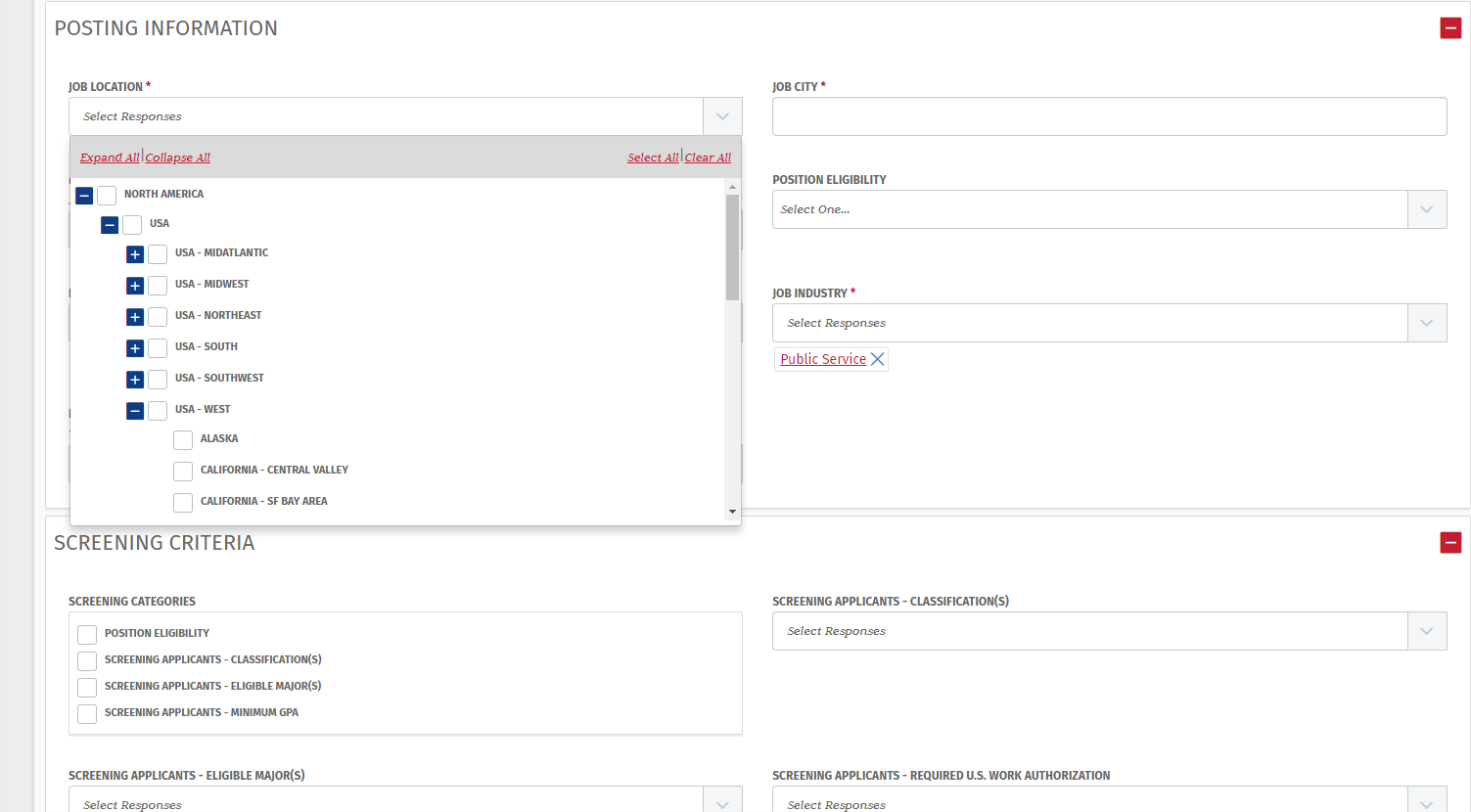
You will need to hit the “+” sign unitl you get to the job location and then click in the box, for example: “Central Valley”
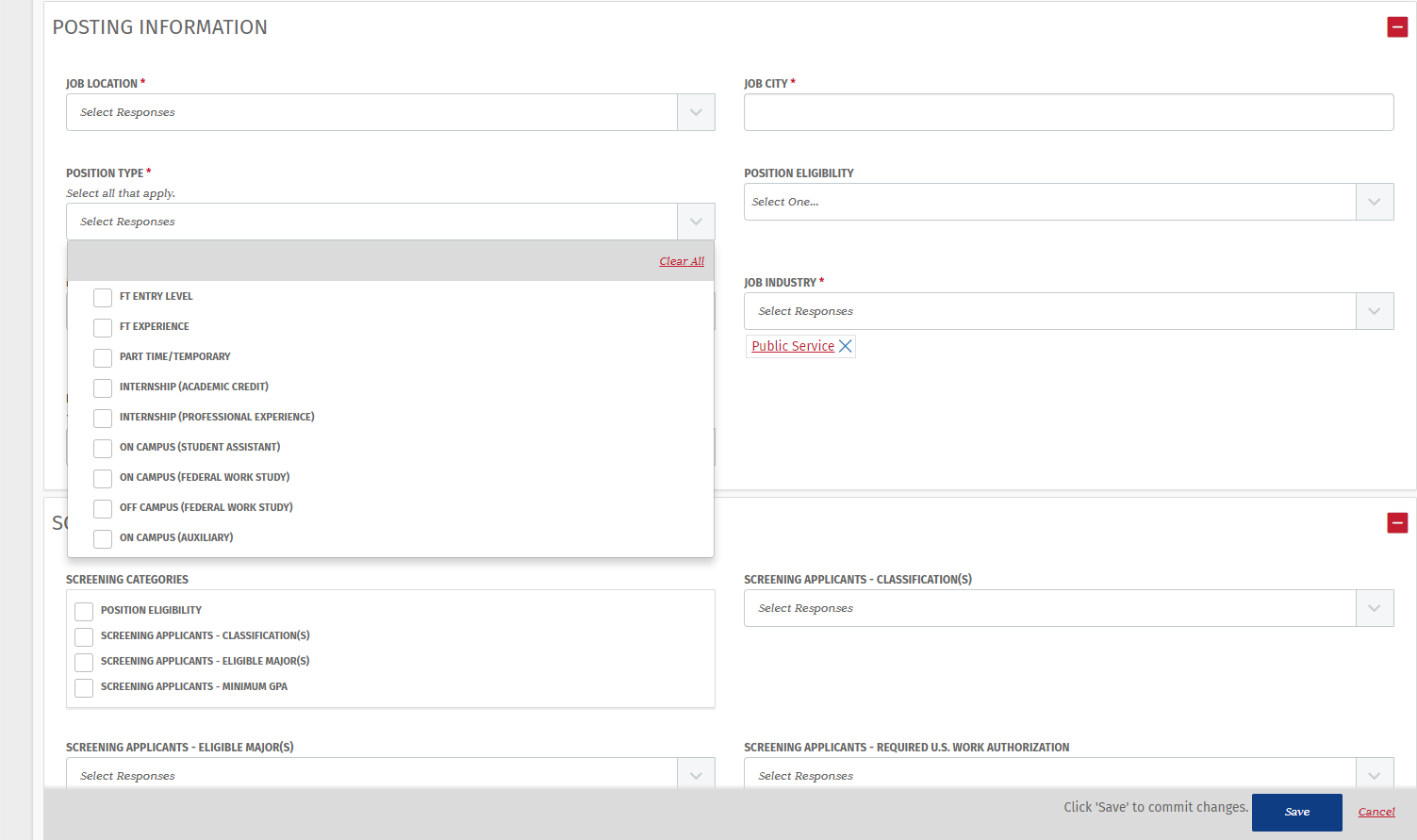
It is important to indicate which type of opportunity this is. Please note multiple boxes may be checked
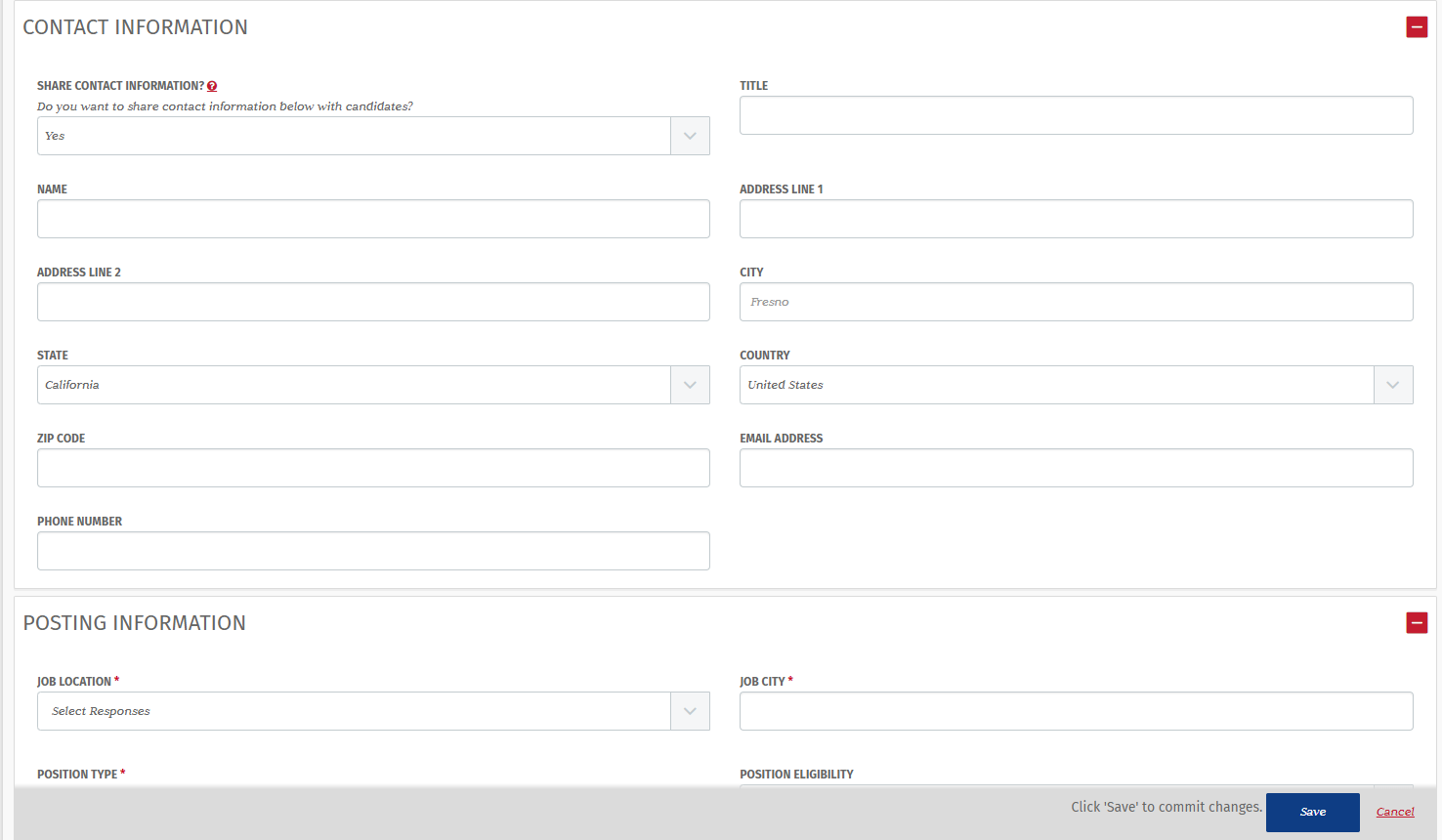
By selecting yes, you are allowing your contact information to be displayed so that candidate may contact you if needed
Select how you would like to receive your applications. If you indicate “Website”, please include your oranization website link. If you indicate "Email Recruiter Direclty" include your email
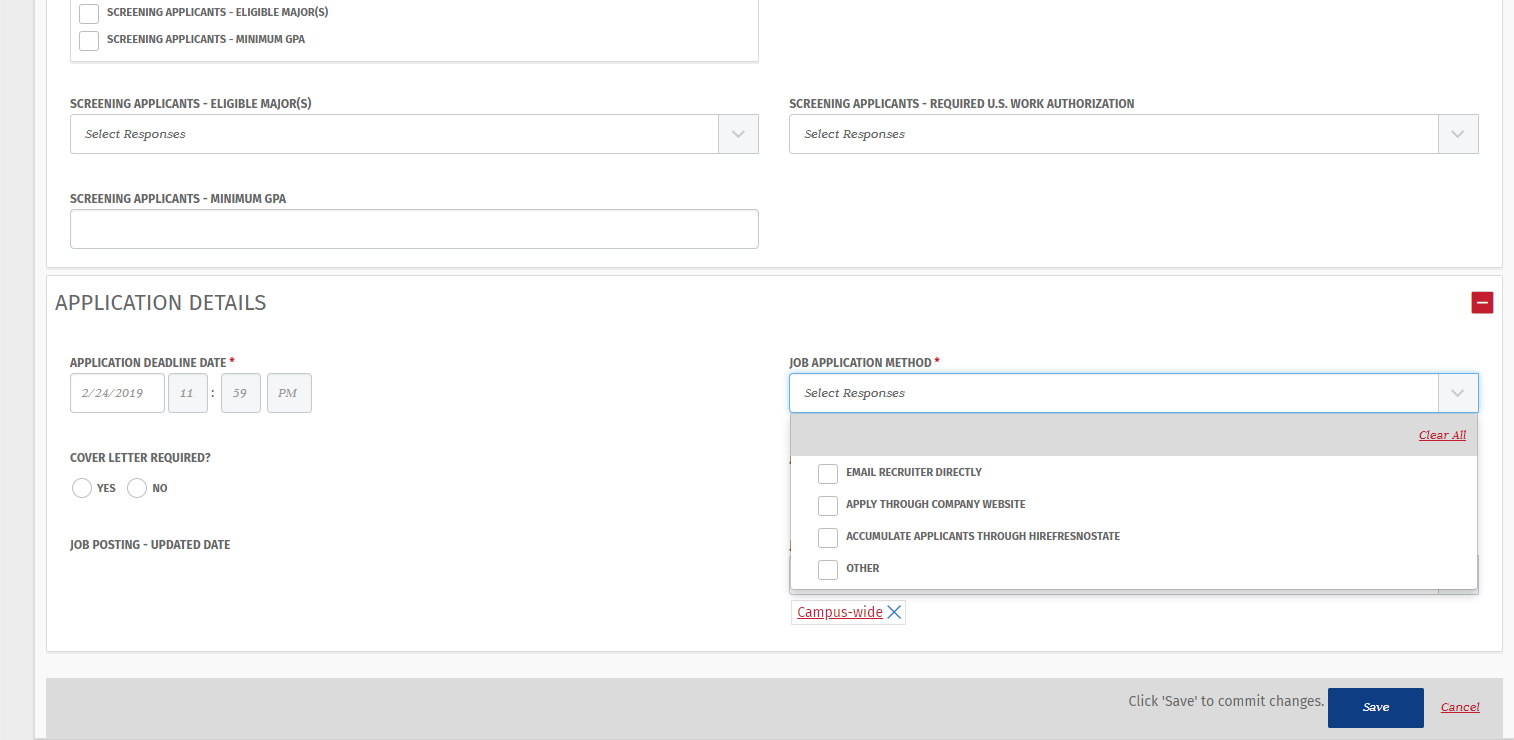
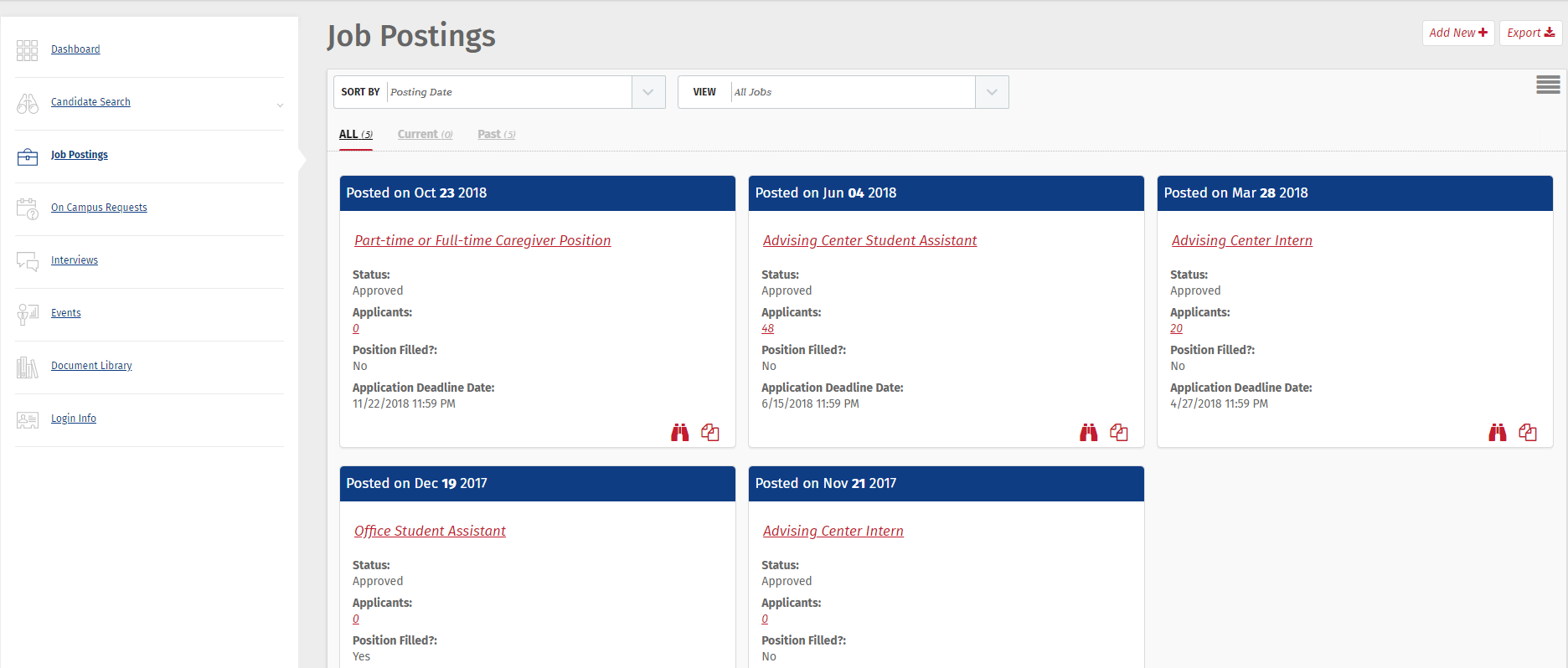
Please note: all job postings will be saved in your account. If you wish to repost a saved position, please select the following icon and consequently change the information for the new posting
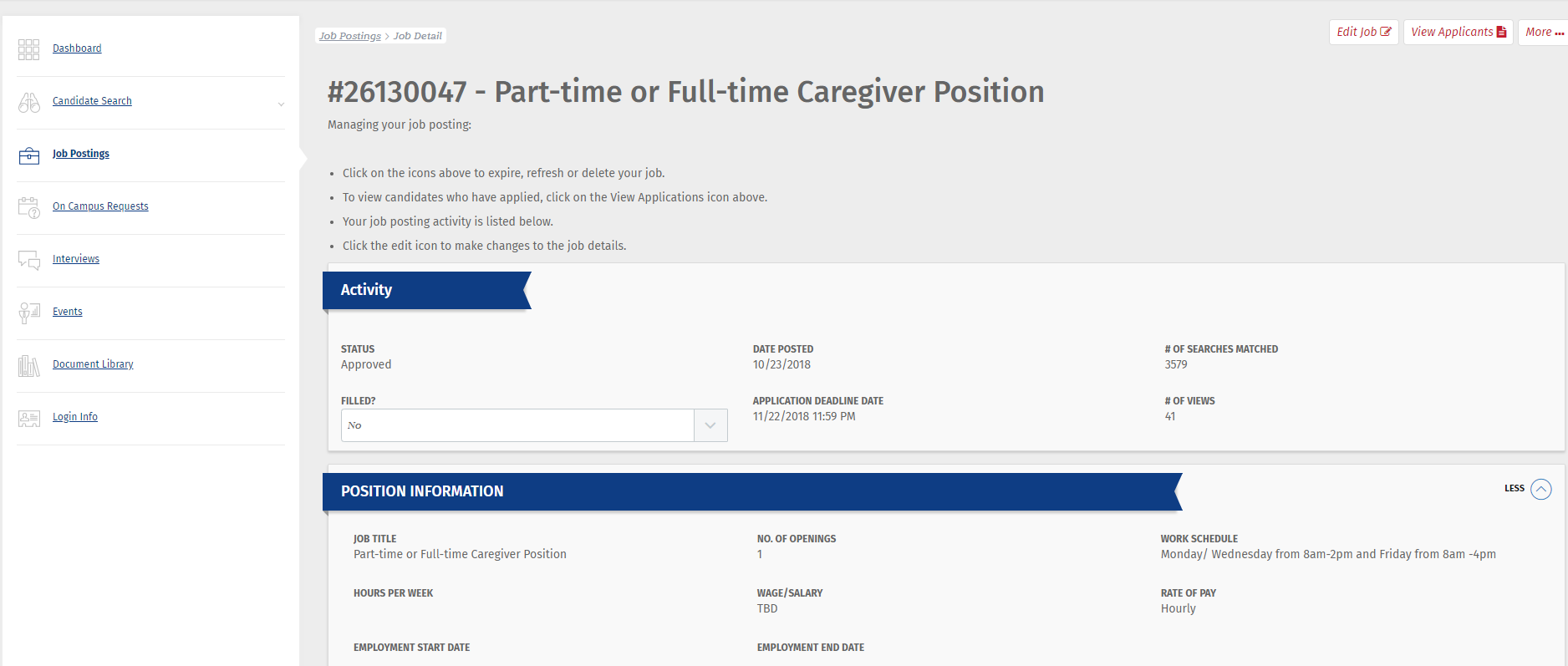
To edit a job posting, click on it, and then select “Edit Job”.
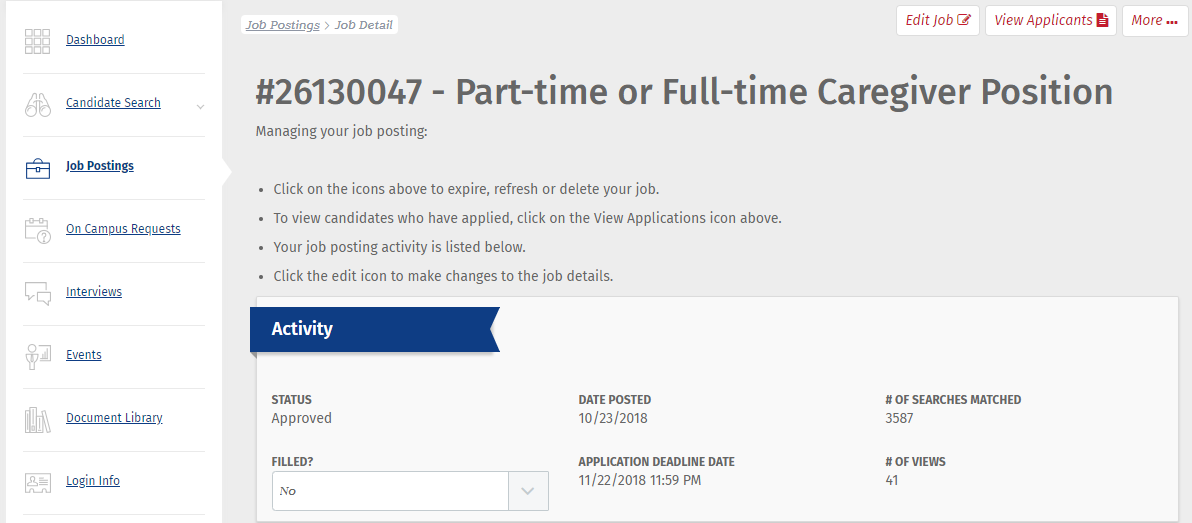
Once you have hired an applicant, please indicate that the position has been filled by indicating “Yes” in the “Filled?” box, as well as closing the application deadline if it has not passed.
Please contact the Jordan Advising and Career Center at (559) 278-4019 if you have any questions regarding your HireFresnoState account

This HTML version was generated with AI assistance and may contain errors or omissions. The original approved PDF remains the official document of record. An alternative accessible format is available upon request from the document creator in accordance with Title II of the ADA.