ACRS21: Getting Started
Step 1: Log In to The AET
Go to http://www.theaet.com and choose Log In.
Step 2: Complete Pre-Test
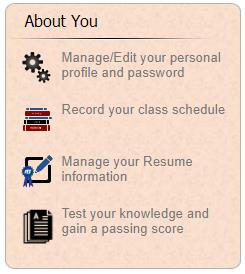
Select PROFILE. Select Test your knowledge and gain a passing score.
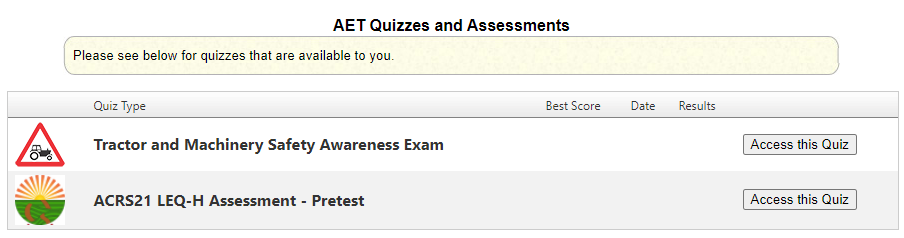
- Click “Access this Quiz” for the ACRS 21 Pretest.
- Read the directions for the Pretest then click “Begin Exam.”
- Complete the pretest to your best ability. There are no right or wrong answers. Make sure to hit “Submit” at the bottom.
- Evaluate your scores. Use both charts to determine where and how you should improve
your soft skills.
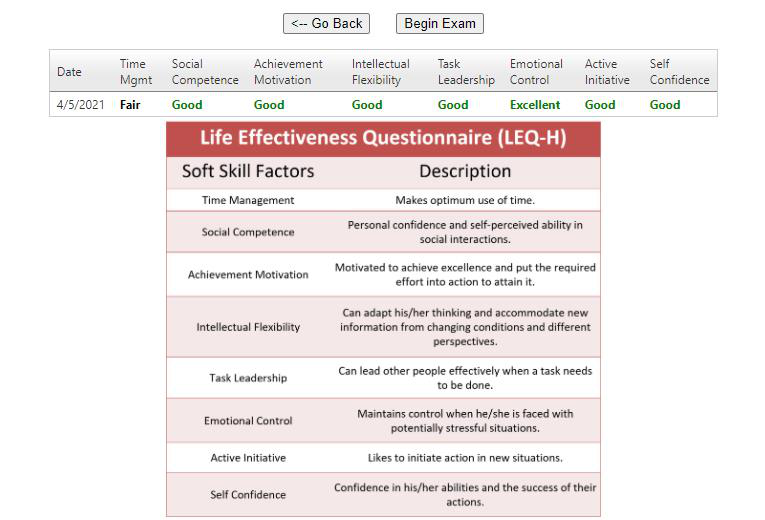
The screenshot shows example scores. Review your own results to identify areas for improvement.
Life Effectiveness Questionnaire (LEQ-H) Soft Skill Factors Soft Skill Factors Description Time Management Makes optimum use of time. Social Competence Personal confidence and self-perceived ability in social interactions. Achievement Motivation Motivated to achieve excellence and put the required effort into action to attain it. Intellectual Flexibility Can adapt his/her thinking and accommodate new information from changing conditions and different perspectives. Task Leadership Can lead other people effectively when a task needs to be done. Emotional Control Maintains control when he/she is faced with potentially stressful situations. Active Initiative Likes to initiate action in new situations. Self Confidence Confidence in his/her abilities and the success of their actions.
Step 3: Create Foundational SAE
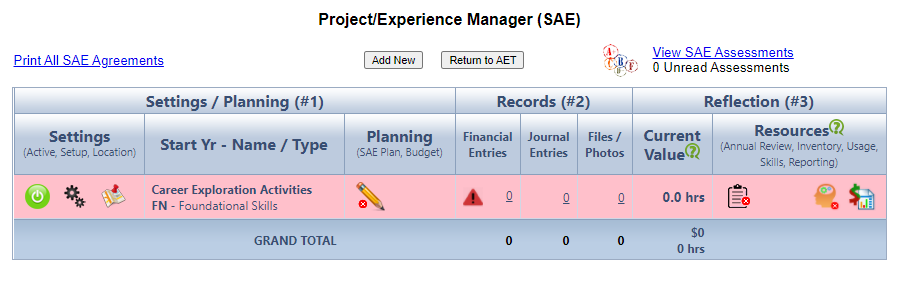
Select JOURNAL. Select Project/Experience Manager (SAE, WBL).
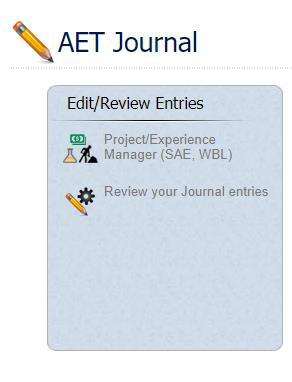
- Click “Add New” to begin a new project.
- Define the project then click “Save.”
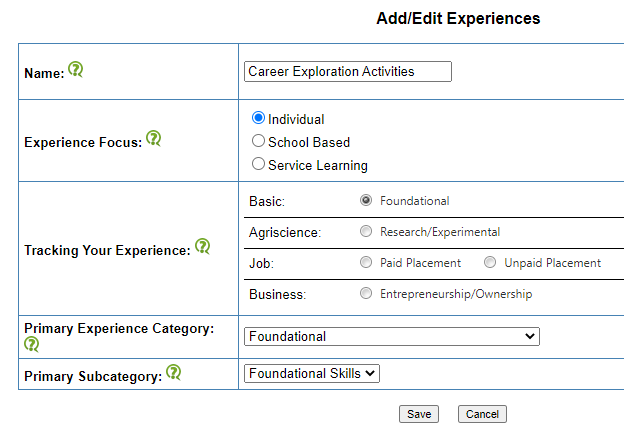
Name: Title your project. This Foundational SAE will be used to document activities relating to career discovery & exploration (job shadow, industry tours, career fairs, etc.)
Type of SAE: Select Foundational SAE. The bottom portion will auto-populate.
- Complete your SAE Plan.
Description and Overview of Your Project
Summarize your project using the following sentence stems.
A few areas to consider:
My interest and motivation for this project is ____________
My project will start ____ and end on ____.
My project goals are (1)______, (2)______ and (3) _____
_______ is assisting me with my project and helping me through _____ activities.
In terms of project safety, important areas of safety include _______, _____, and _____.
Description: Copy & Paste the sentence stems into the textbox. Fill in the information as you feel necessary. Focus on career interests or goals to assist you in completing the sentence stems.
Time Investment
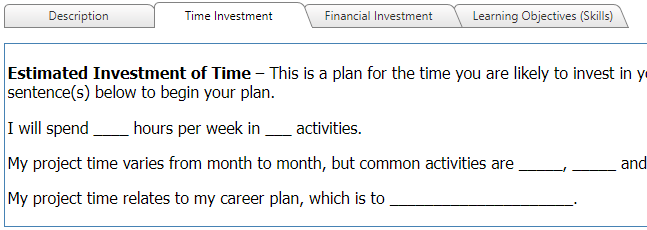
Time Investment: Copy & Paste the sentence stems into the textbox. Fill in the information as you feel necessary. Possibly state how many hours per semester you will dedicate towards career exploration.
Estimated Investment of Time – This is a plan for the time you are likely to invest in your project. Use the sentence(s) below to begin your plan.
I will spend _____ hours per week in ___ activities.
My project time varies from month to month, but common activities are _____, _____ and _____.
My project time relates to my career plan, which is to _________________________.
Financial Investment
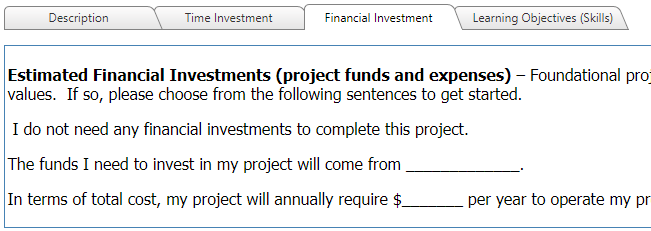
If no financial investment is needed, enter: “I do not need any financial investments to complete this project.” Otherwise, describe your funding and expected costs using the sentence stems below.
Estimated Financial Investments (project funds and expenses) – Foundational projects may or may not have values. If so, please choose from the following sentences to get started.
I do not need any financial investments to complete this project.
The funds I need to invest in my project will come from ______________.
In terms of total cost, my project will annually require $________ per year to operate my project.
Learning Objectives (Skills)
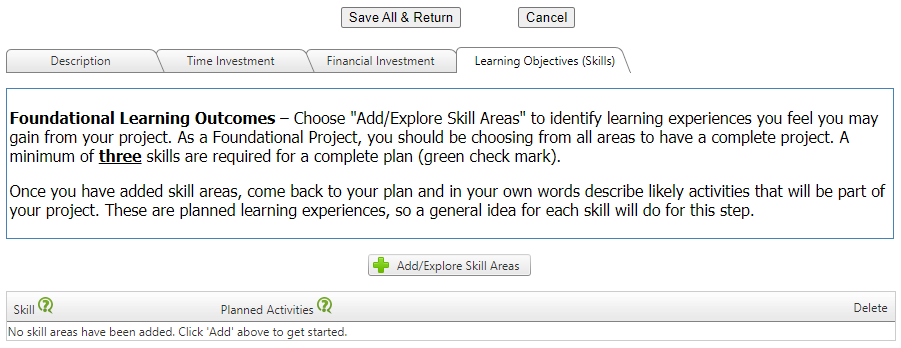
Add at least 3 skills to your project.
The PDF encourages exploring all Foundational Skills or CRP.10.
Foundational Learning Outcomes – Choose “Add/Explore Skill Areas” to identify learning experiences you feel you may gain from your project. As a Foundational Project, you should be choosing from all areas to have a complete project. A minimum of three skills are required for a complete plan (green check mark).
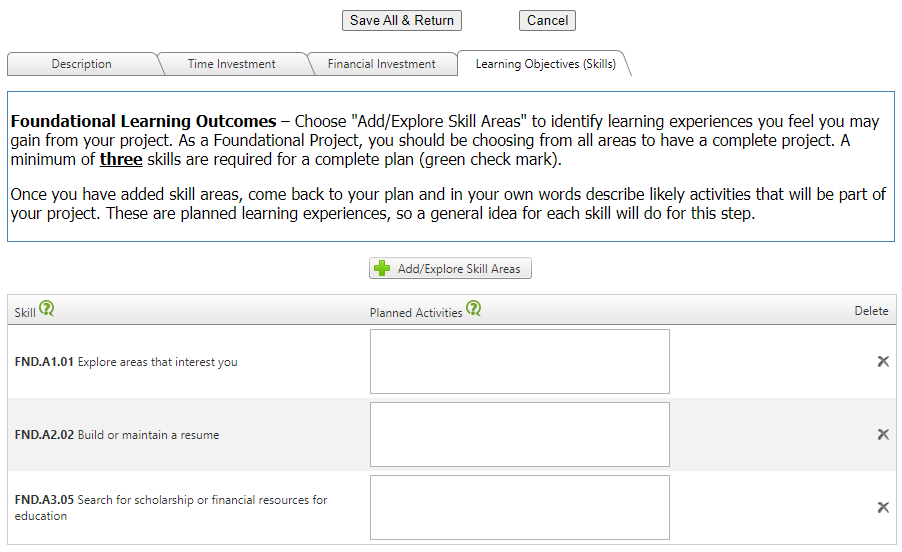
Once you have added skill areas, come back to your plan and in your own words describe likely activities that will be part of your project. These are planned learning experiences, so a general idea for each skill will do for this step.
Learning Objectives (Skills): Once skills are selected, add Planned Activities in each of the corresponding boxes.
Click “Save All & Return” when complete.
Step 4: Update AET Resume
Select PROFILE. Select Manage your Resume information.
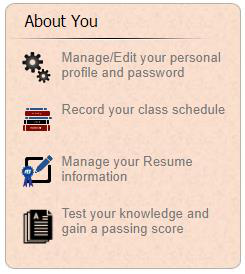
- Under “Objective,” fill in your career goals.
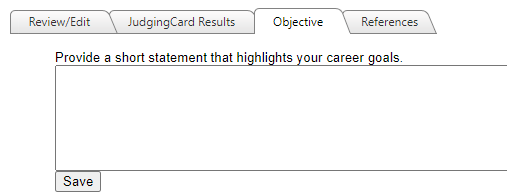
Objective: Use this guide to help you!
I plan to seek a position as a __________ (insert career) in the future. I will prepare for this career by ________________ (describe how you will work towards your goal, ie: college, trade school, work experience, etc.)
Objective: Example career goal:
I plan to seek a position as a Pest Control Advisor in the future. I will prepare for this career by attending Fresno State and earning a degree in Plant Science.
- Under “References,” fill in your references.
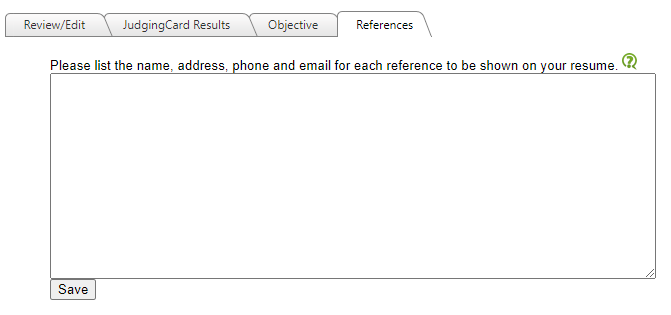
References: Include the name, organization, address, phone number, and email. The PDF provides this example:
Dr. Sharon Freeman
Fresno State
2415 E. San Ramon
Fresno, CA 93740
559-278-4423
sfreeman@mail.fresnostate.edu
Step 5: Review Certificate Requirements
Select REPORTS. Select Degree/Application Manager.
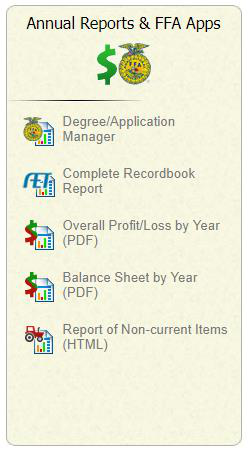
- Select “ACRS 21 High School Certificate” from the drop down menu then click “Add New”.
- Click “Checklist” on the application menu.
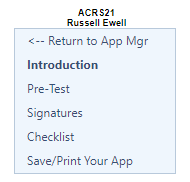
- Review your Checklist & begin working on meeting certificate requirements.
The required total is 250 hours. The 139 hours of SAE projects include the hours in items 7–9; those hours are not added again to the total.
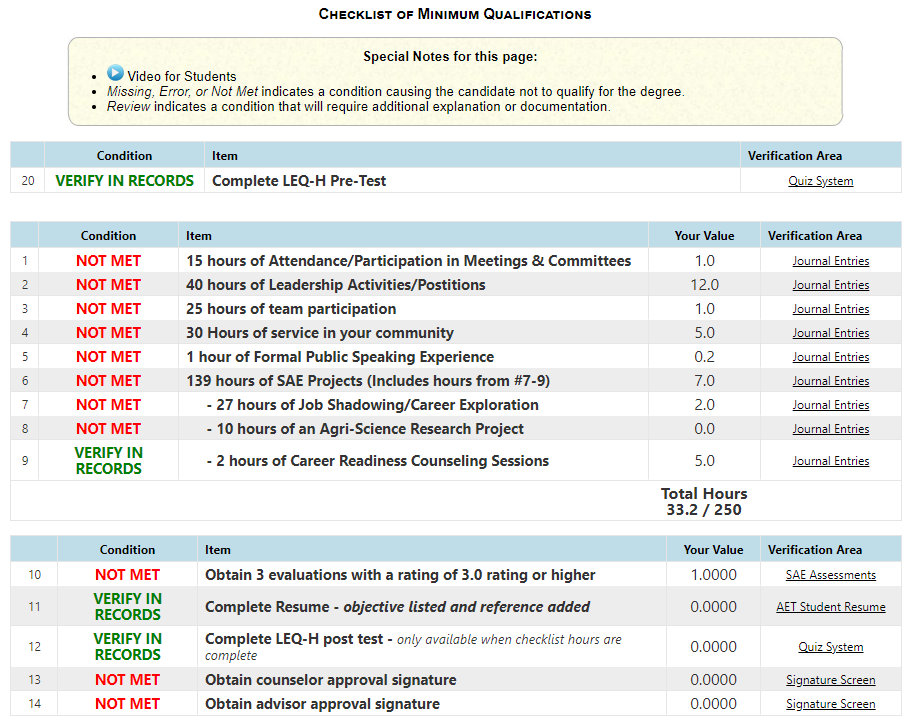
Checklist of Minimum Qualifications
The tables below reproduce the PDF’s sample checklist. Conditions and values are examples, not your current progress. Review your own checklist in The AET.
Special Notes for this page:
- Missing, Error, or Not Met indicates a condition causing the candidate not to qualify for the degree.
- Review indicates a condition that will require additional explanation or documentation.
Sample Checklist: Pre-Test Requirement Number Example Condition Item Example Value Verification Area 20 VERIFY IN RECORDS Complete LEQ-H Pre-Test Quiz System Certificate Requirements and Example Progress Number Example Condition Item Example Value Verification Area 1 NOT MET 15 hours of Attendance/Participation in Meetings & Committees 1.0 Journal Entries 2 NOT MET 40 hours of Leadership Activities/Positions 12.0 Journal Entries 3 NOT MET 25 hours of team participation 1.0 Journal Entries 4 NOT MET 30 Hours of service in your community 5.0 Journal Entries 5 NOT MET 1 hour of Formal Public Speaking Experience 0.2 Journal Entries 6 NOT MET 139 hours of SAE Projects (Includes hours from #7-9) 7.0 Journal Entries 7 NOT MET - 27 hours of Job Shadowing/Career Exploration 2.0 Journal Entries 8 NOT MET - 10 hours of an Agri-Science Research Project 0.0 Journal Entries 9 VERIFY IN RECORDS - 2 hours of Career Readiness Counseling Sessions 5.0 Journal Entries Total Hours 33.2 / 250 Additional Certificate Requirements and Example Progress Number Example Condition Item Example Value Verification Area 10 NOT MET Obtain 3 evaluations with a rating of 3.0 or higher 1.0000 SAE Assessments 11 VERIFY IN RECORDS Complete Resume - objective listed and reference added 0.0000 AET Student Resume 12 VERIFY IN RECORDS Complete LEQ-H post test - only available when checklist hours are complete 0.0000 Quiz System 13 NOT MET Obtain counselor approval signature 0.0000 Signature Screen 14 NOT MET Obtain advisor approval signature 0.0000 Signature Screen
Questions? acrs21@mail.fresnostate.edu
This HTML version was generated with AI assistance and may contain errors or omissions. The original approved PDF remains the official document of record. An alternative accessible format is available upon request from the document creator in accordance with Title II of the ADA.